
Create users, PINs, locations and roles
2:18 video · captions on
Steps
- Go to User Management → Users → Create New User and enter the first and last name.
- Enter an email. It's only a login username, such as [email protected], so it doesn't need to be a real inbox.
- A password is generated for you. Change it before you hand over the account.
- After saving you'll see a login PIN, which the cashier uses to sign in to the POS.
- Assign a location (Main Store for now).
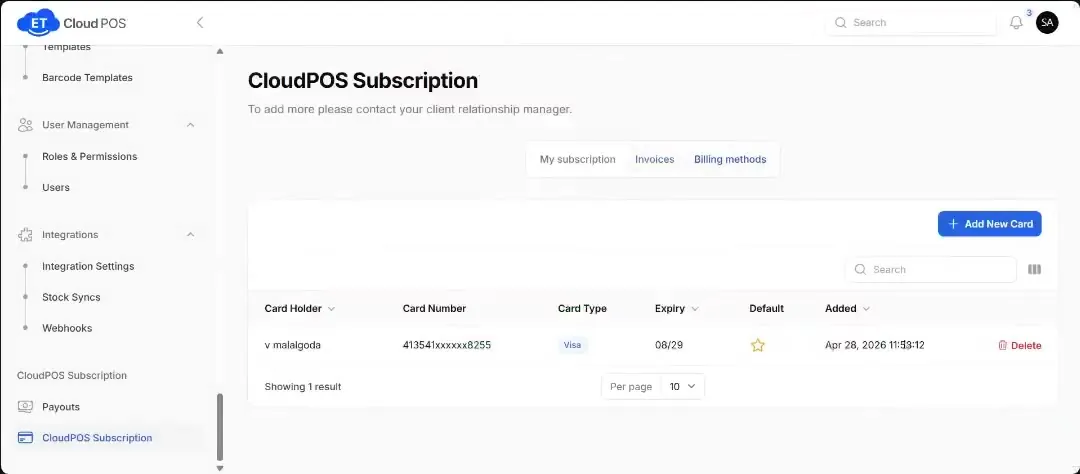
- Under Roles & Permissions, edit a role or create a new one and untick what it shouldn't access.
Transcript
Tap a line to play from there.
Still stuck?
Our support team is there 24/7. Tell us what you were trying to do and we'll walk you through it.