
Step-by-step guide
Add vendors and vendor contacts
2 steps. Prefer to watch? Play the 0:46 video.
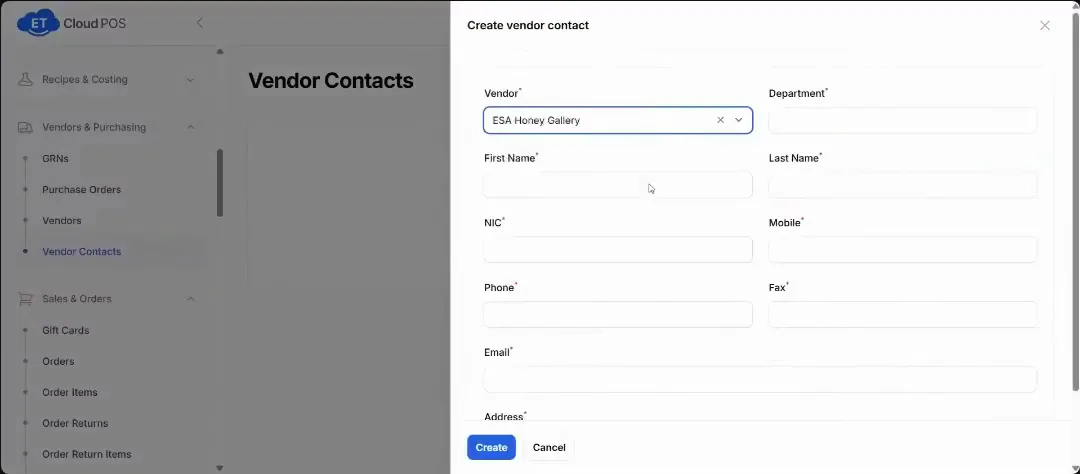
To save the person you deal with, go to Vendor Contacts and create a contact: company, department and contact person.
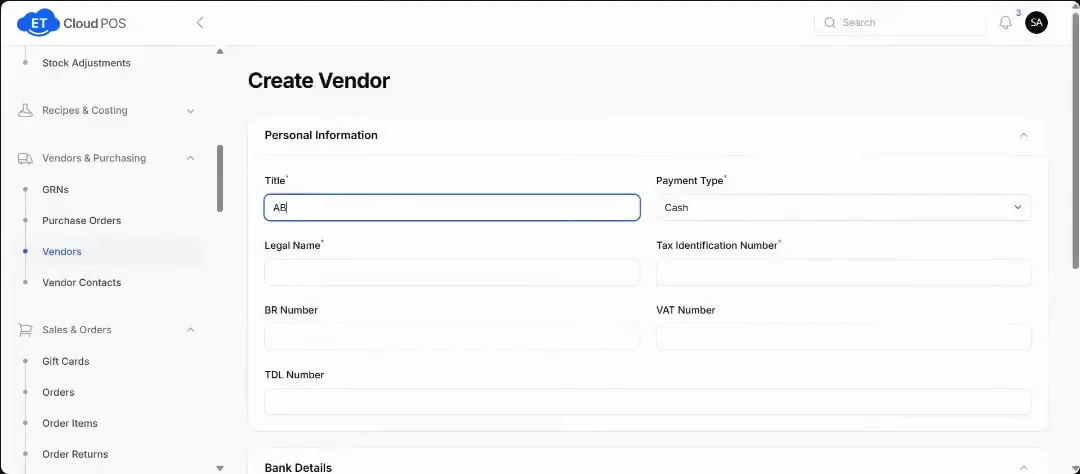
Watch this step at 0:16 → To add just the supplier, go to Vendors → New Vendor and fill in its details.
Watch this step at 0:38 →
Still stuck?
Our support team is there 24/7. Tell us what you were trying to do and we'll walk you through it.