
Step-by-step guide
Add a single new product
3 steps. Prefer to watch? Play the 0:33 video.
On Products, click New Product.
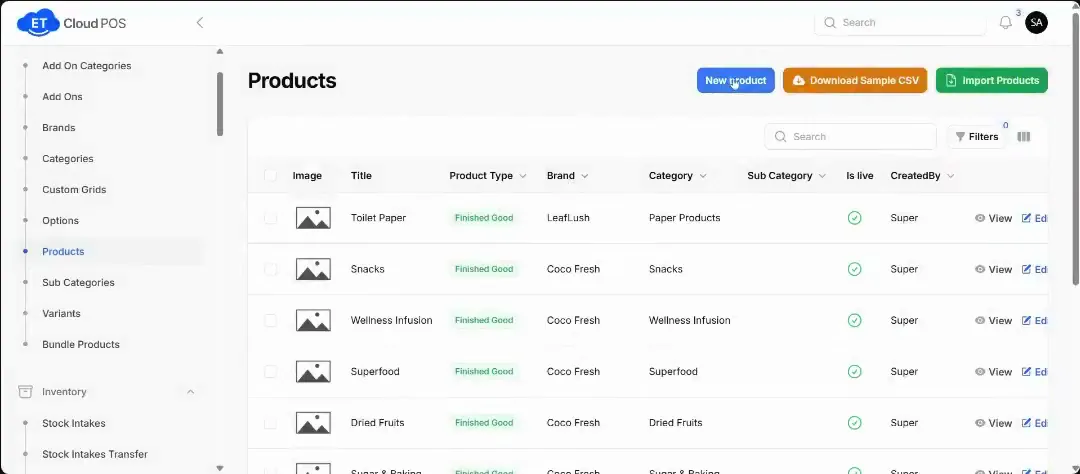
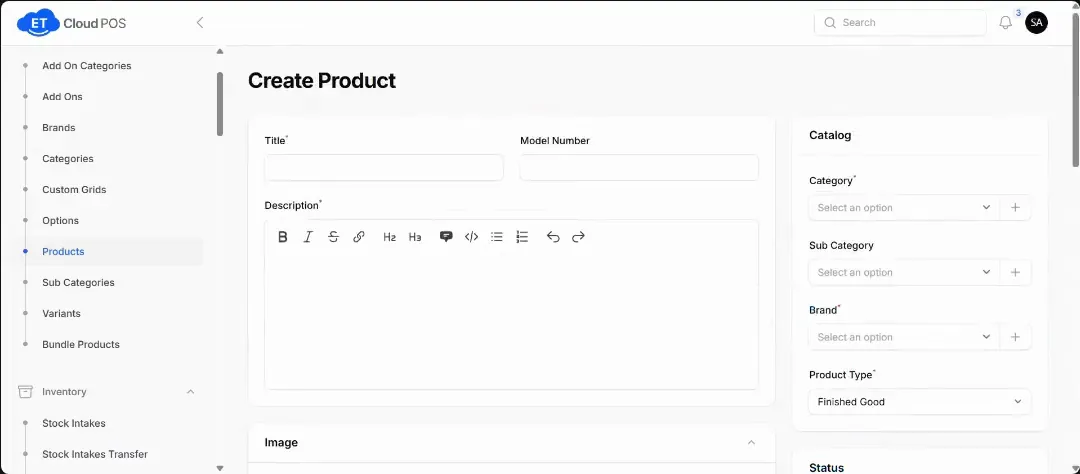
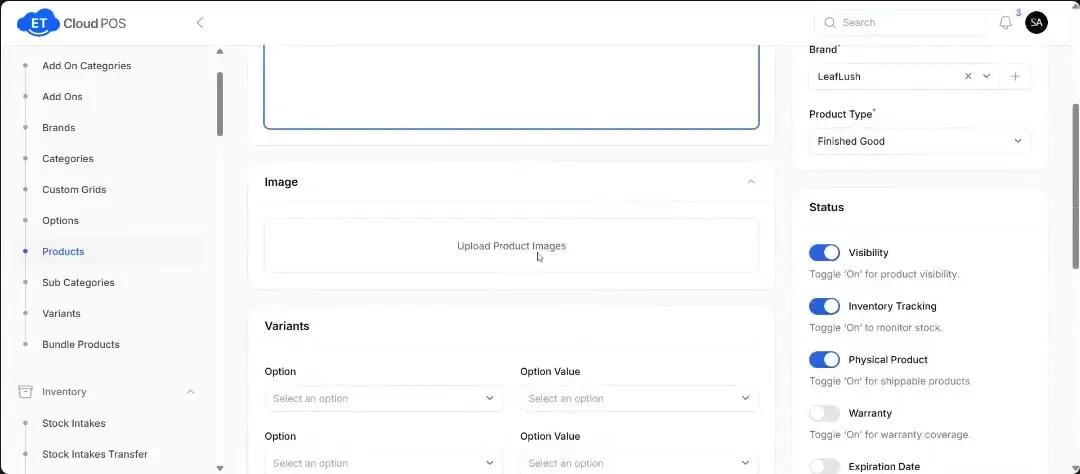
Watch this step at 0:10 → Fill in every field marked with a red star: title, category, subcategory and so on.
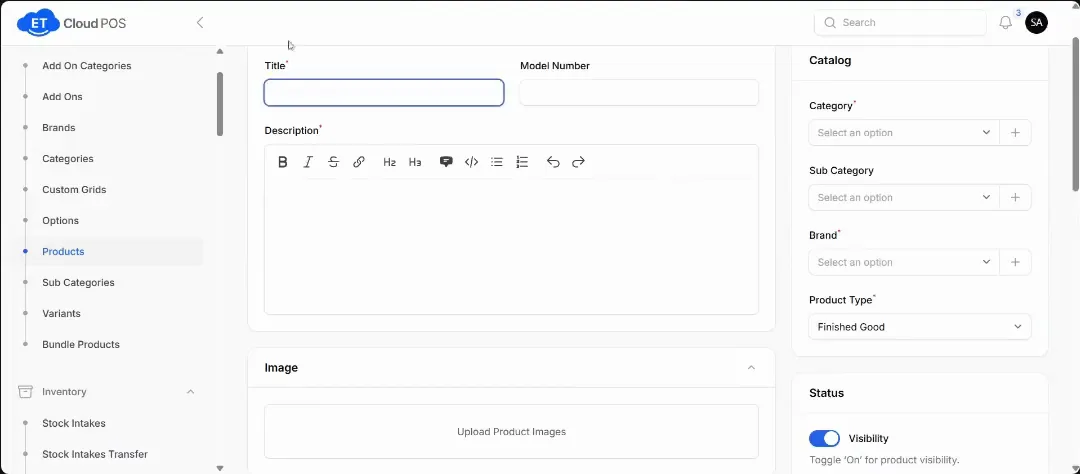
Watch this step at 0:24 → Save. If a required field is empty, you'll get an error message.
Watch this step at 0:32 →
Still stuck?
Our support team is there 24/7. Tell us what you were trying to do and we'll walk you through it.