
Step-by-step guide
Subscription billing card (owner)
3 steps. Prefer to watch? Play the 0:23 video.
Go to CloudPOS Subscription at the bottom of the menu to see your plan and invoices.
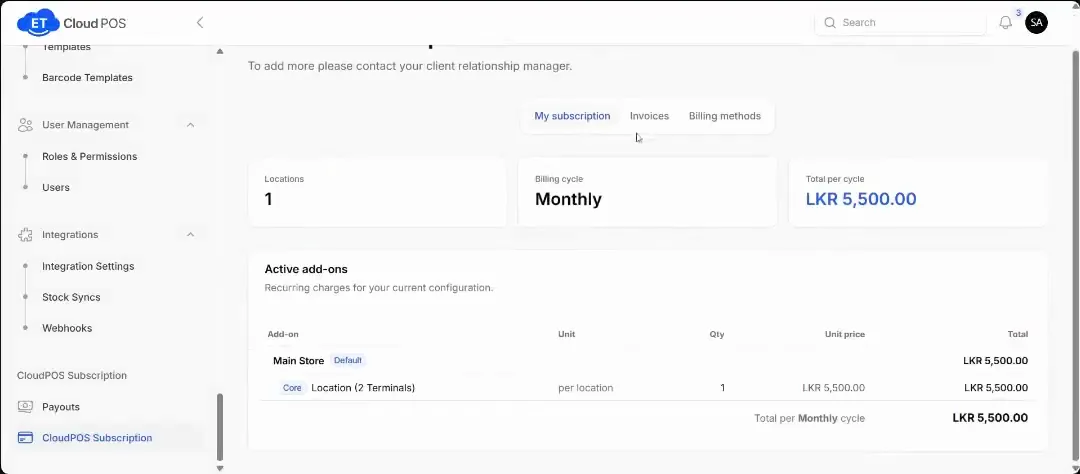
Watch this step at 0:05 → To change the card, open Billing methods, remove the current card and add the new one.
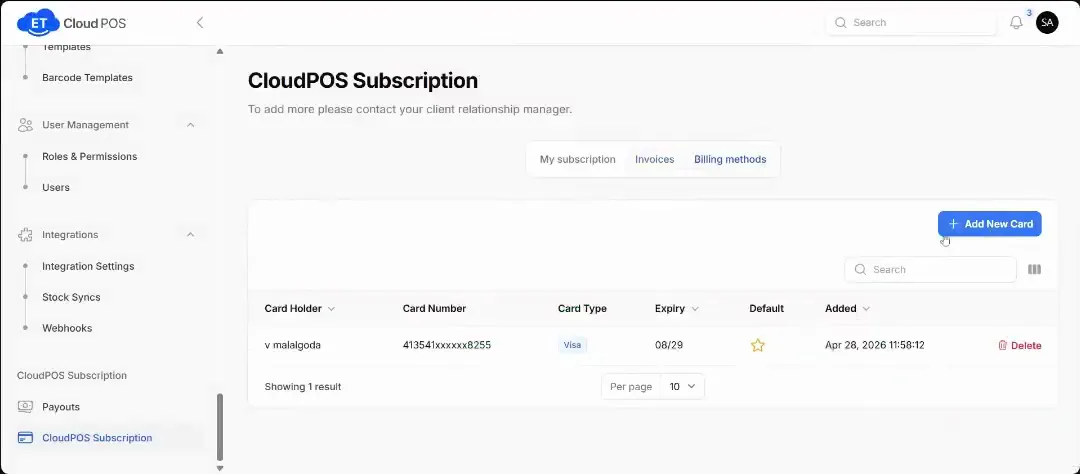
Watch this step at 0:12 → If you don't change it, the current card is charged every month.
Tip This page shows the card on file, with the number masked. Only the owner should manage it.
Still stuck?
Our support team is there 24/7. Tell us what you were trying to do and we'll walk you through it.