
Bulk stock update from a CSV
1:07 video · captions on
Steps
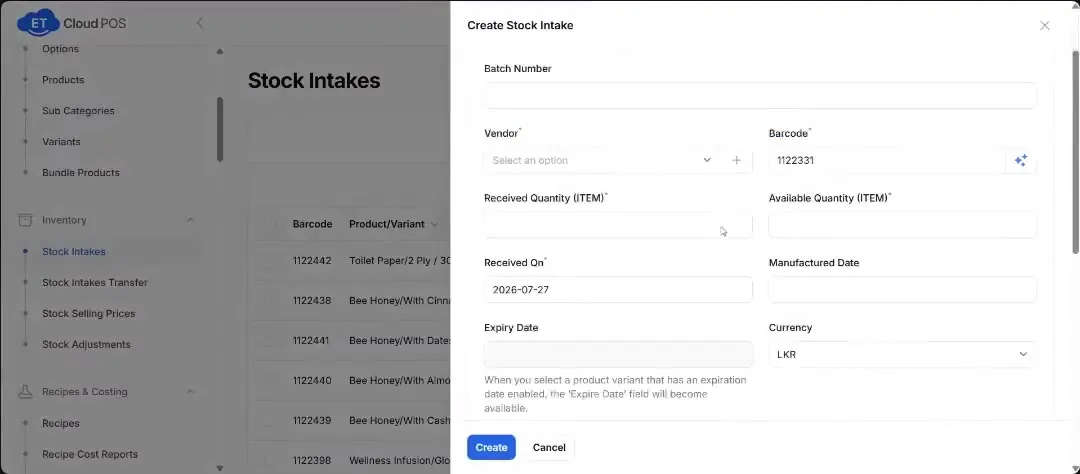
- Go to Inventory → Stock Intakes and click Bulk Stock Update.
- Filter if you need to (by location or brand, say), then download the CSV.
- Enter the quantities you received.
- Upload the file, preview the data and confirm.
Transcript
Tap a line to play from there.
Still stuck?
Our support team is there 24/7. Tell us what you were trying to do and we'll walk you through it.